
All-in-one solutions for your restaurant
Built around real restaurant needs—manage your venue and every order from one place.
Delivery ordering page
A branded food-ordering page where guests order online with your menu.

QR menu ordering
Guests scan and order from their phones—no extra app install.
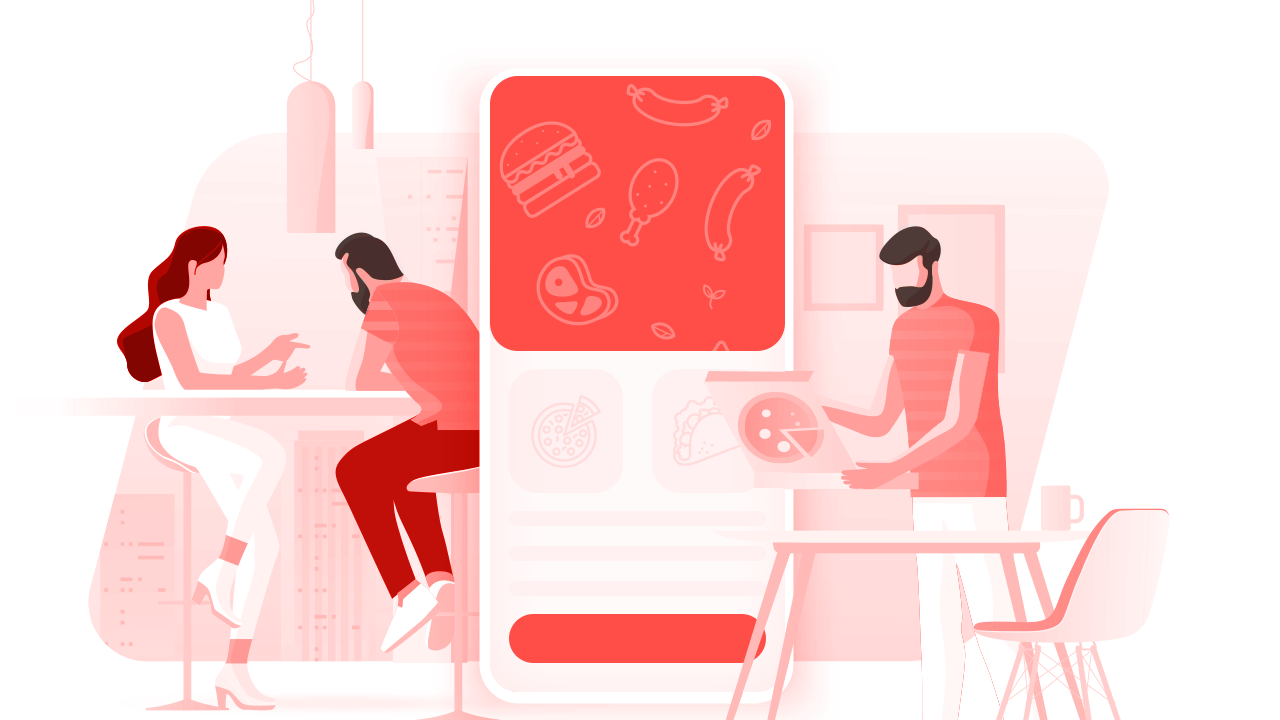

Table management
Run dine-in alongside delivery: tables, split/combined bills, moves and merges—fast.
Live order & delivery tracking
Guests follow order status and delivery progress after they check out.
Short answer
Online ordering system features are a module set that delivers order page, QR menu, table management, live tracking, multi-branch control, payment integration and reporting from one admin panel.
Lower your marketing spend
Having the right features together plus
growing online visibility helps grow delivery sales and your bottom line.
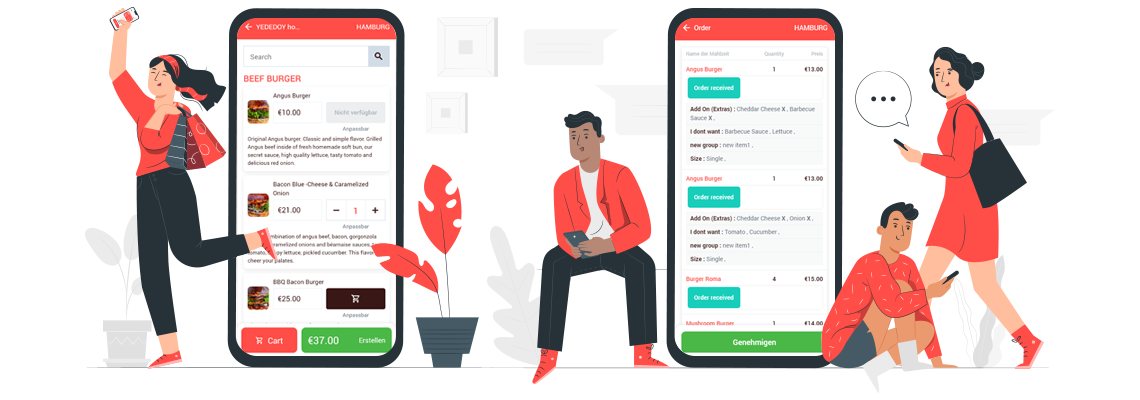

Multi-brand & branches
See every brand and branch in one admin and switch instantly.

Multi-user accounts
Staff track and process orders for their role—service, kitchen, delivery…

Real-time alerts
Sound alerts for new orders; guests can call if not confirmed within minutes.

Order & delivery tracking
Guests follow each step from confirmation to driver on the map.

Staff scheduling
Keep working hours under control.

SEO & marketing
Grow page visibility and run member-only perks.

Reporting
History, demand by area, delivery times and more.

Online payments
Beyond cash and card on delivery—offer online pay.
Features that move the needle
Multi-brand & multi-branch
All brands and locations in one panel with quick switching.
Staff management
Control when your team works.
Clock in/out, daily hours, overtime and hourly rates in one place.
Ratings & reviews
After delivery, guests can rate taste, speed, service and more. Every review helps you improve and boosts your ordering page visibility online.
Want your own branded ordering page?
Sign up or contact us—we’re here to help either way.

How is FoodEmp different from lookalikes?
FoodEmp helps restaurants be visible locally, take orders on their own page and grow under their own brand.
- Supports local businesses with tools that grow their own channel—not a middleman marketplace.
- Guests never need to install an app to order.
- No percentage commission on your order totals.
- Ordering page plus the operational stack restaurants actually need.
- Multiple brands and branches in one panel with pricing that scales.
Ordering made effortless for guests
When guests see how easy ordering and tracking is, satisfaction goes up.
Delivery — ratings & reviews
Track on the way, then rate and review—each review helps discovery.
Live order status
They can call if not confirmed quickly; status updates until delivered.

Stronger local presence
Organic and map discovery strengthens your brand in your area.


Flexible checkout
Guest or account, use current location, leave notes, pay on delivery.
No consumer app required
Guests land on your page straight from search.

Menu choices
Portions, extras, ASAP or scheduled delivery—simple flows.
Ordering system features — FAQ
Which channels are managed from one panel?
Web order page, QR menu, table ordering, delivery/pickup, marketplace integrations and delivery tracking are managed from one panel. Overview: what is an online ordering system.
Is multi-branch support included?
Yes. Different brands and branches appear in one admin panel; menu, pricing and hours can be set per branch. See multi-branch order management.
Are payment integrations included?
Online payment, virtual POS and counter payment methods can be configured; orders and collection are tracked in the same flow.
Food ordering system
Start taking orders on a page that carries your name.
Grow your delivery sales.