
Guide
What Is QR Ordering?
Let guests scan the table QR code, open the menu, place an order from their phone, and optionally pay at the table.
- Waiterless ordering
- Table-based ordering
- Order & Pay
- POS & KDS connection
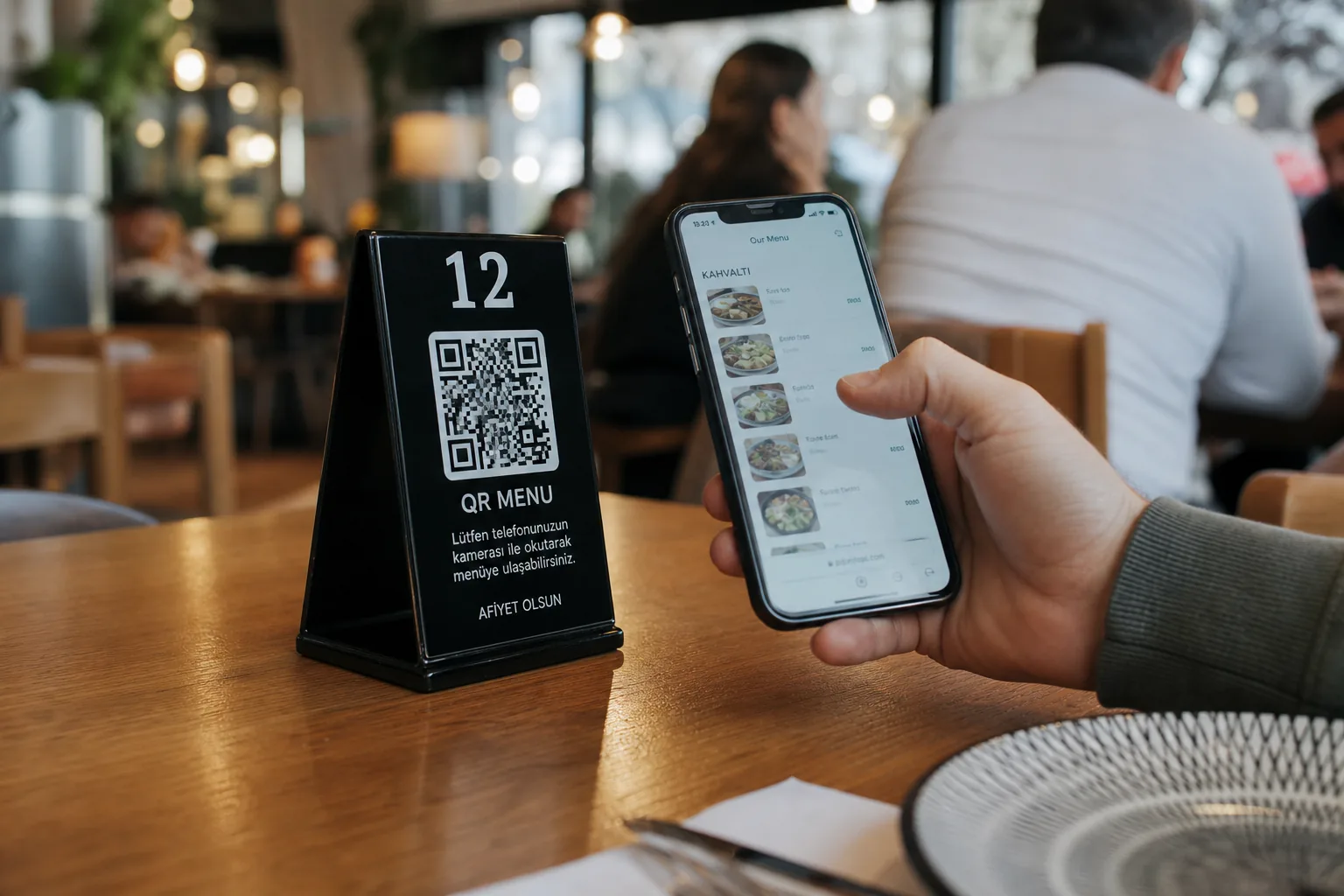
How does QR ordering work?
From QR Code to Order, One Flow
-
Scan the QR
The guest scans the table QR code with their phone.
-
View the menu
They pick items from the mobile menu opened with table context.
-
Place the order
They complete the cart and send the order straight to the venue.
-
Pay
If Order & Pay is on, they finish payment at the table.
-
Preparation starts
The order reaches the right operations screens and prep begins.
How is QR ordering different from a QR menu?
More Than a QR Menu
A QR menu focuses on showing products, while QR ordering lets guests complete the full path from menu to order and payment on their phone. See also digital menu and QR menu with online ordering.
View the Menu
Browse products, options, and prices.
Place an Order
Create an order tied to the table.
Pay
Complete the check at the table when available.
Table QR system
Every Table Gets Its Own Order Flow
Each table gets its own QR code. When a guest scans it, the order session is matched to that table.
As a result:
- Guests do not need to say the table number.
- Orders attach to the correct table.
- Follow-up orders continue on the same table session.
- Floor and kitchen see matching order data.
Order & Pay
Ordering and Payment in One Place
With Order & Pay, guests do more than place an order — they can also complete payment on their phone. See payment solutions and how online payment works.
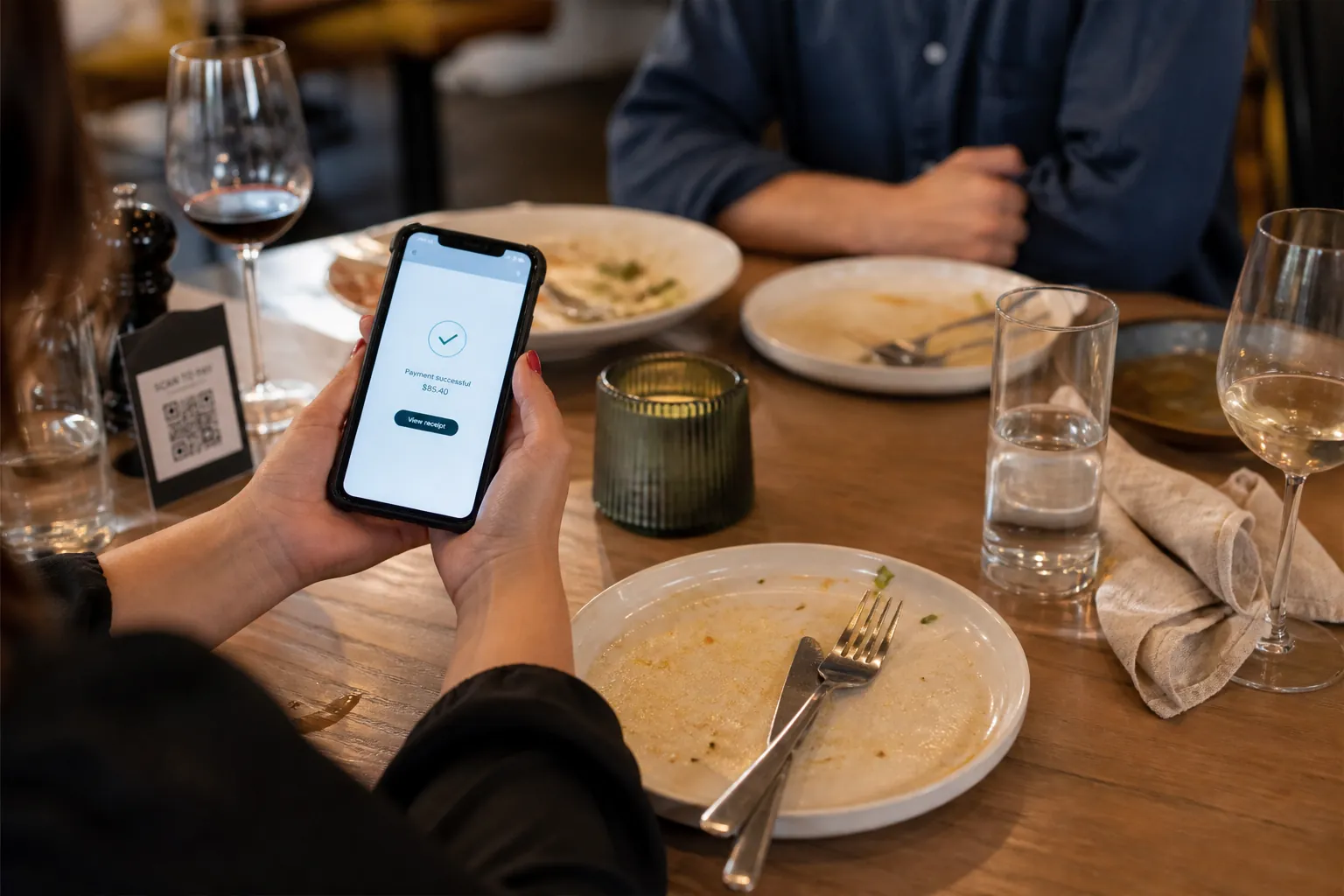
Order + Pay
The order is placed and the check is paid in the same session.
Leave the Tab Open
Payment can be taken later based on venue preference.
Split / Share
Supported options let guests complete the check in different ways.
Static QR / Dynamic QR
Static QR or Dynamic QR?
Static QR
- Points to a fixed URL
- Simple to use
- Fits fixed content
Dynamic QR
- Destination can change from the admin panel
- More flexible
- Fits tables, campaigns, and alternate redirects
For table-based ordering, matching QR codes to the right tables matters.
Where is QR ordering used?
Not Only at Tables
Restaurant & Cafe
Direct ordering from the table.
Bar & Quick Service
Speed up order taking during peak hours.
Hotel & Hospitality
Ordering from rooms or shared spaces.
Pickup & Takeaway
Route guests to specific order points via QR. Can combine with an online ordering system.
Business impact
Simplify Order Taking
Less waiting
Guests do not wait for a server to place an order.
More controlled order flow
Order details go straight into the system.
More table capacity
Order-taking load drops especially at peak times.
Technology flow
Where Does QR Ordering Sit in Operations?
- Guest
- QR Ordering
- POS / Check
- Kitchen
- Service / Delivery
QR ordering connects to the restaurant’s existing order and operations stack so front-of-house and kitchen share one flow.
Setup
How Do You Set Up QR Ordering?
Define tables
A unique QR is created in the system for each table.
Place the QR codes
Codes are matched to table numbers and put into use.
Test the order flow
Verify QR → order → POS/KDS → payment.
FAQ
Frequently Asked Questions About QR Ordering
- What is the difference between QR ordering and a QR menu?
A QR menu shows products; QR ordering lets guests create an order from their phone and, when supported, pay as well.
- Does every table need its own QR code?
For table-based ordering, unique QR codes are recommended so each table attaches to the right order flow.
- Can guests pay at the table?
Yes. With Order & Pay enabled, guests can complete ordering and payment in the same mobile session.
- Can QR orders reach POS and the kitchen display?
Yes. The system can connect to supported POS/check and KDS setups. See the restaurant POS and kitchen display (KDS) guides.
- Can I update the menu without changing the QR code?
Yes. The menu behind the QR can be updated in the system; guests reach the latest content through the same code.
Explore Further
Open Your Tables to QR Ordering
Move from QR code to menu, order, payment, and operations screens in one flow.