
Pickup Ordering System
Prepare the Order with Pickup Ordering — Customers Collect When Ready
Customers place orders in advance from your web or mobile ordering page; you prepare, and they pick up from your restaurant when ready.
A pickup ordering system creates a commission-free sales channel on your brand—without courier or delivery operations.
- Ready then collect
- 0% commission
- Mobile + Web online ordering
- Free Setup
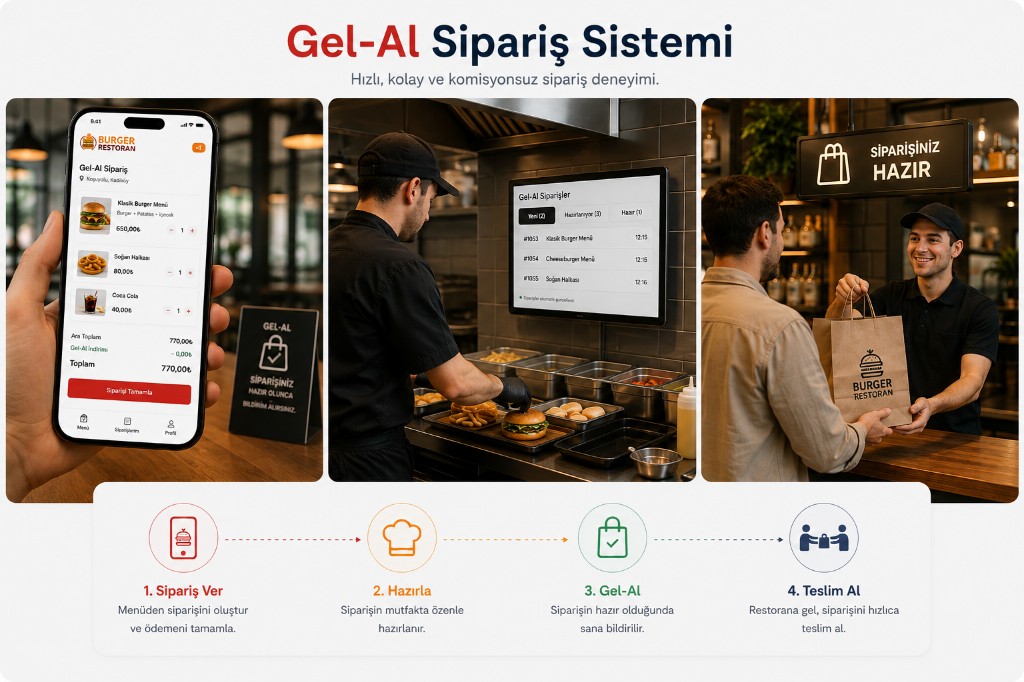
Prepare Orders Before Customers Arrive
Pickup ordering lets customers place orders in advance instead of ordering only after they arrive.
Customer:
- Opens the online menu
- Selects pickup
- Adds items to cart
- Chooses pickup time
- Completes the order
For menus see online menu; for ordering see online food ordering.
Restaurant:
- Receives the order in the panel
- Starts preparation
- Updates order status
- Notifies the customer when ready
- Hands over the order
Preparation can run in the same flow as the kitchen display.
This helps reduce wait times at the counter during peak hours.
How Does Pickup Ordering Work?
- 01 Choose pickup
- 02 Select items
- 03 Complete order
- 04 Restaurant prepares
- 05 Customer collects
-
01
Enable the Pickup Channel
Activate pickup ordering from the admin panel.
Set hours, minimum order, prep time, and pickup conditions.
-
02
Define Menu and Pickup Point
Manage products, prices, and options.
Define where customers collect their order:
Restaurant → Branch → Pickup Point
-
03
Customer Orders Online
Customers open your web or mobile ordering page.
They select items and complete the order with pickup.
-
04
Order Is Prepared
The order reaches the restaurant panel and kitchen display.
Status can be updated while the kitchen prepares.
-
05
Customer Collects
The customer is notified when the order is ready.
They collect it when they arrive at the restaurant.
Build Your Own Pickup Channel
Pickup ordering is more than a feature.
It creates your own online sales channel where customers reach your brand directly.
Customers can follow:
Google → Your Website → Online Menu → Pickup Order
and order directly from your business.
With your domain, branded design, and mobile-friendly ordering page, you can create a lasting pickup channel.
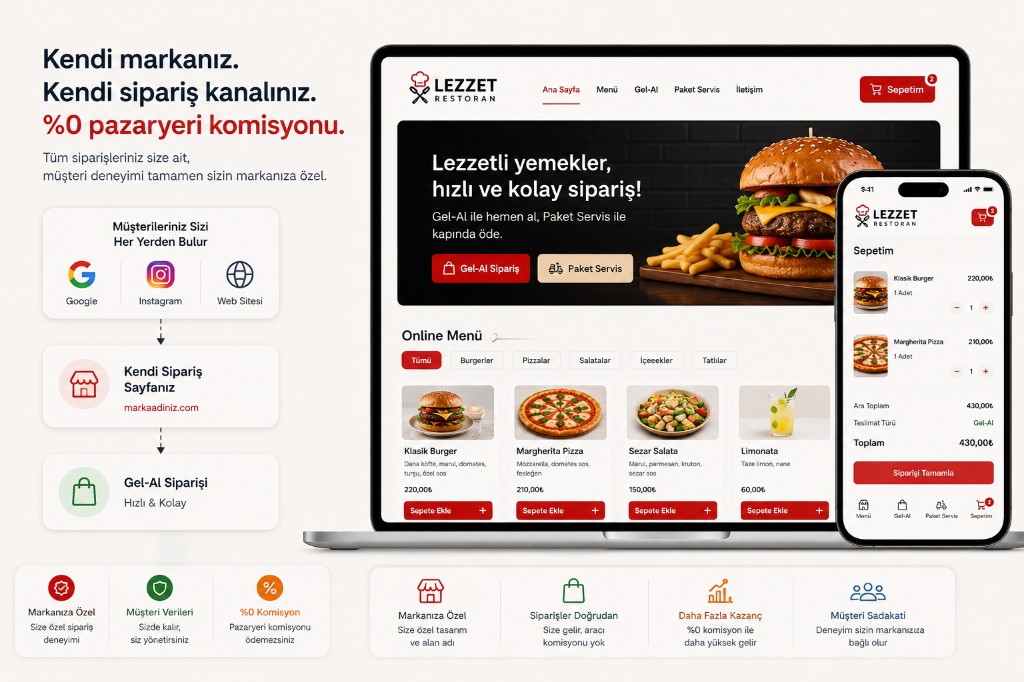
Commission-Free Pickup Ordering
Pickup orders from your own online channel do not need marketplace commission.
Customers order directly from your ordering page.
So you can:
-
Cut intermediary fees
Sell on your channel without marketplace cuts.
-
Own the customer relationship
Orders and communication stay with your brand.
-
Highlight your brand
Sell with your design and domain.
-
Keep order history
Data stays in your system.
-
Drive repeat orders
Bring customers back to your channel.
Take pickup orders under your brand. Details: commission-free ordering.
Pickup and Delivery in One System
You do not need separate systems for pickup and delivery.
Offer fulfillment options on the same online ordering infrastructure:
Pickup
- Order
- Prep
- Collect at restaurant
Customers order and collect from your restaurant.
Delivery
- Order
- Prep
- Courier
- Deliver to address
Orders go to the customer’s address. Delivery and package ordering.
One Menu · One Panel · One Order Management
Your restaurant can offer both pickup and delivery based on customer needs.
Who Is It For?
-
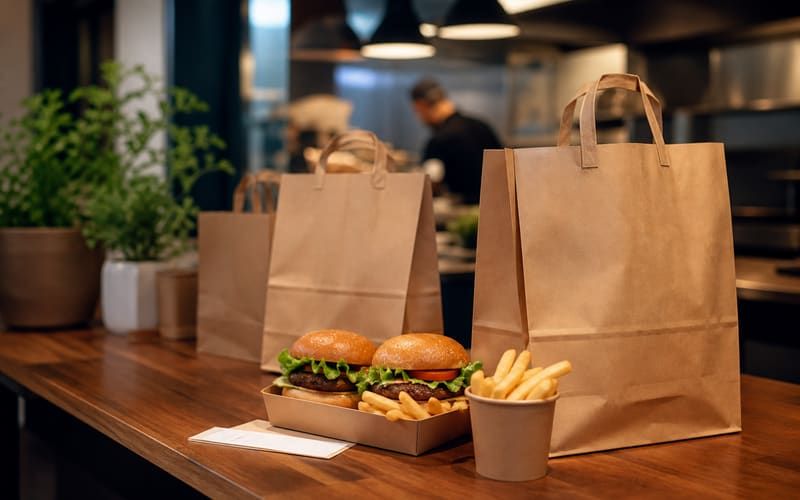
Restaurants
Restaurants that want a commission-free pickup channel alongside delivery.
-
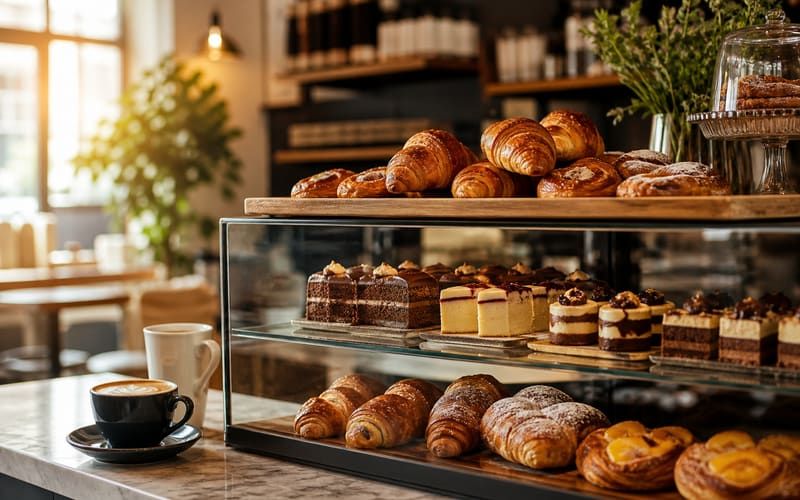
Cafes and Bakeries
Businesses where prepared items can be ordered ahead and collected quickly.
-
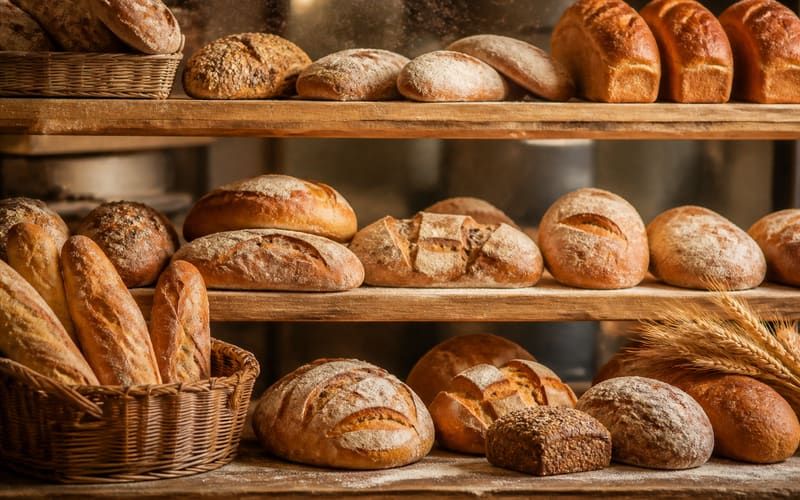
Bakeries and Pastry Shops
Businesses that want daily or specialty items ordered in advance.
-
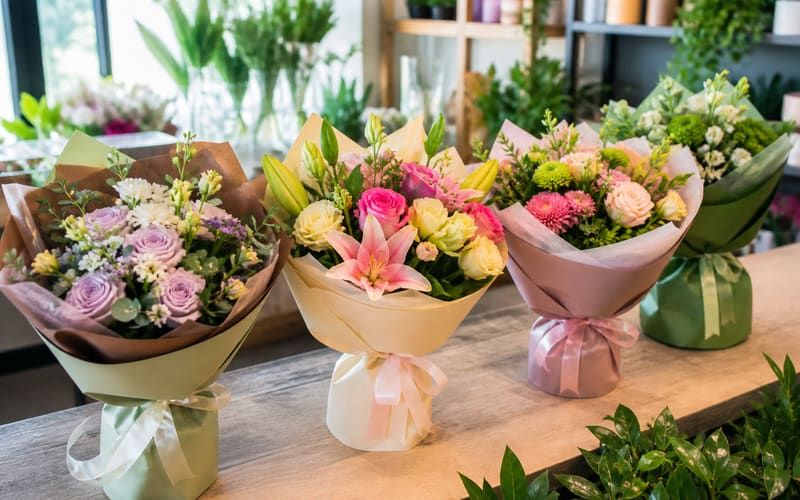
Florists and Retail
Businesses where customers select products ahead and collect in store.
-
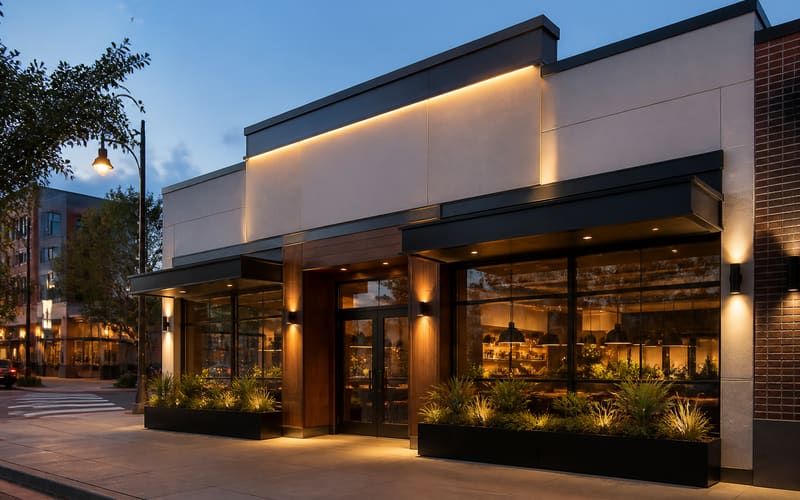
Multi-branch Brands
Brands that want to manage pickup operations centrally across branches.


Simplify the Customer Experience with Pickup
Instead of waiting for customers to order after they arrive, let them order in advance.
Order → Wait for prep → Arrive when ready → Collect
This model works especially well for:
- Lunch rush
- After work
- Peak restaurant hours
- Quick service
- Planned orders
creating a practical ordering experience.
Grow Your Online Sales Channel with Pickup
Pickup can be a key sales channel of your online food ordering system.

Manage brand-direct orders in one system.
Set Up Your Pickup Ordering System
Let customers order ahead, prepare the order, and hand it over when ready.
Create an online pickup channel under your brand.