
Operations
Restaurant Check System
Restaurant Checks and Order Management in One Panel
Solutions that simplify ordering and check handling for restaurants, cafés and hospitality businesses of different sizes. Manage table orders, take orders at the counter and track online orders.
The FoodEmp restaurant check system helps you run order taking, check creation, payment and kitchen handoff more smoothly. Manage table, counter and online order flows in a way that fits how your venue works.
Order management
Manage Orders Easily with a Restaurant Check Program
From taking an order to preparation and payment, many steps happen in a restaurant. A restaurant check program helps you track these steps consistently and pass order details to the right teams.
With FoodEmp order management solutions you can run table orders, counter operations and online order flows according to your business needs.


Advanced Restaurant Check Program
Easy Order and Check Management
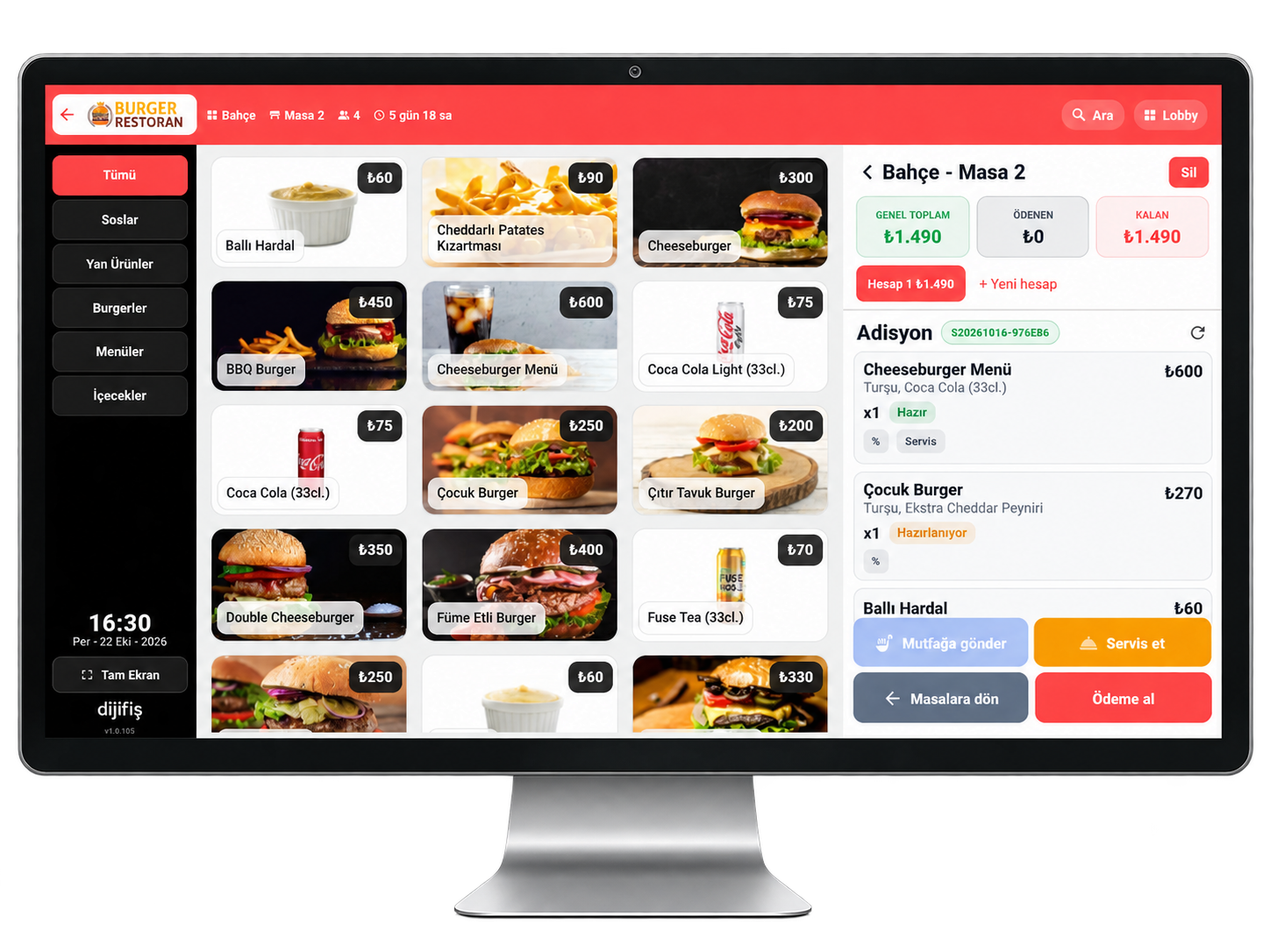
With a clear visual interface, the restaurant check program lets you create orders quickly by selecting products. You can define products, organize your menu and start taking orders in your venue in a short time.
Cloud-Based Restaurant Check Software
Cloud-based restaurant check software lets you access order and management tasks over the internet. On systems with offline support, order and payment work can continue even if the connection drops.
Reliable Restaurant Check System
A restaurant check system can bring table service, delivery orders, barcode sales, account receivables and related tasks under one software. A restaurant automation system that works with POS devices, online ordering and courier services helps keep the daily flow from order to delivery more organized.
Table Ordering and Check System in the Restaurant
Table Order and Check Management System
With a restaurant table ordering system you can add orders to tables, open checks and move a check to another table when needed. You can also split orders across separate bills. Viewing the floor plan on one screen makes open tables, orders and check status easier to manage.
Regular Guest Tables in Restaurant Software
Restaurant check software can make it easier to track tables and bills for regular guests. Depending on features, you can link tables to customer accounts or label them with a guest name and nickname. That helps keep order and billing for frequent guests more organized.
Table Reservation and Check System
With a restaurant reservation system you can record table requests by phone or online and hold suitable tables in advance. Taking a deposit and linking a reservation to a check can be managed based on the system’s features, so reservation and order flows stay connected.
Restaurant Automation and Online Ordering System
Online Order Management with a Check System
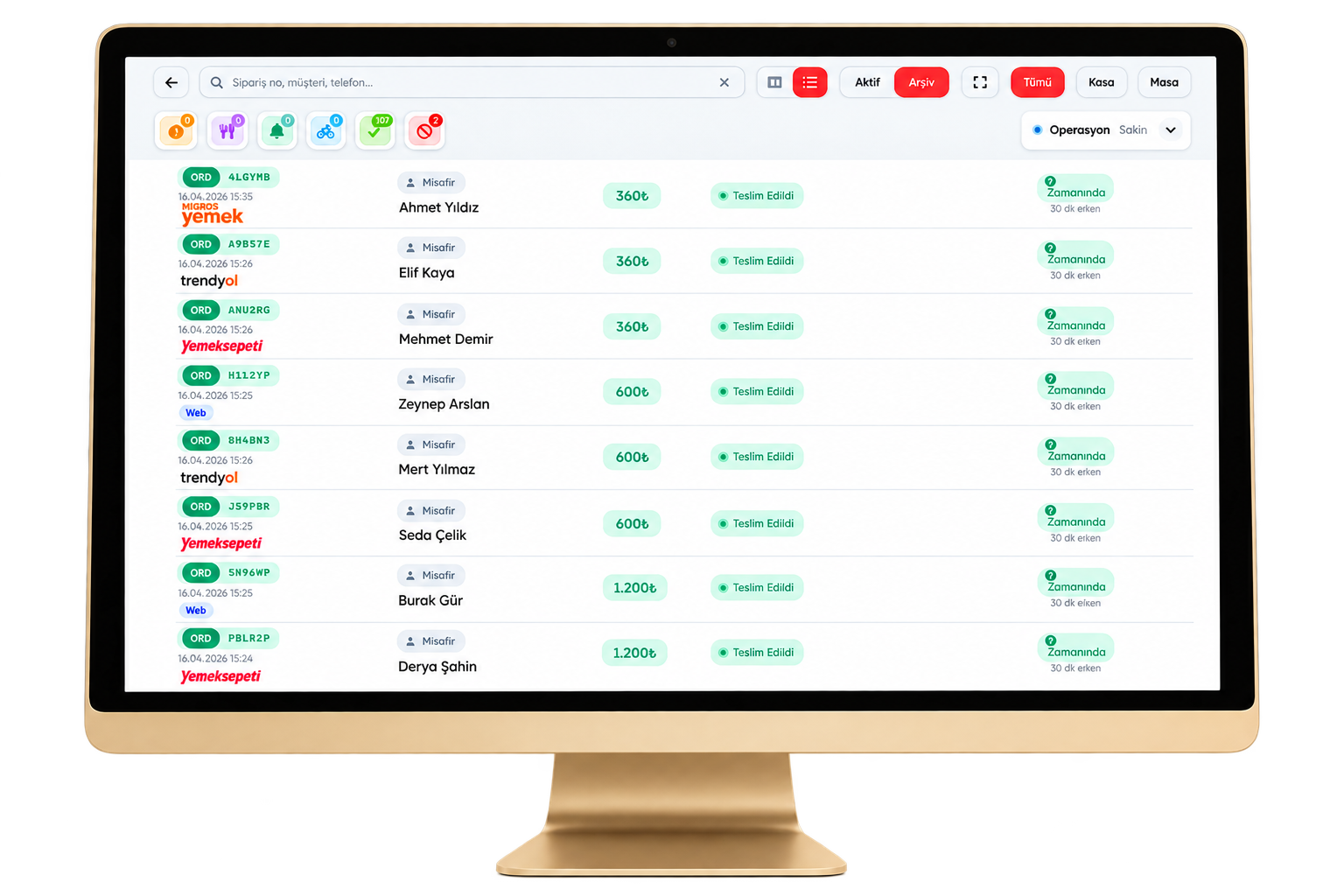
A restaurant check system can help manage phone takeaway orders together with orders from supported online channels. You can track order contents and prep status in the panel and update ready or out-for-delivery orders according to your workflow.
Order Integration with Restaurant Software
A restaurant check program can integrate with supported online ordering platforms so orders from different channels gather in one management panel. Depending on the integration, orders may sync automatically. With phone integration and caller ID, incoming calls can be matched to customer or order records for faster handling.
Restaurant Courier Automation System
A restaurant courier automation system makes delivery tracking easier. When linked to your courier app or supported third-party services, delivery statuses can be monitored from one panel—so prep, courier assignment and delivery stay more organized.
Reporting and Analysis in a Restaurant Check System
Live Reporting with Restaurant Software
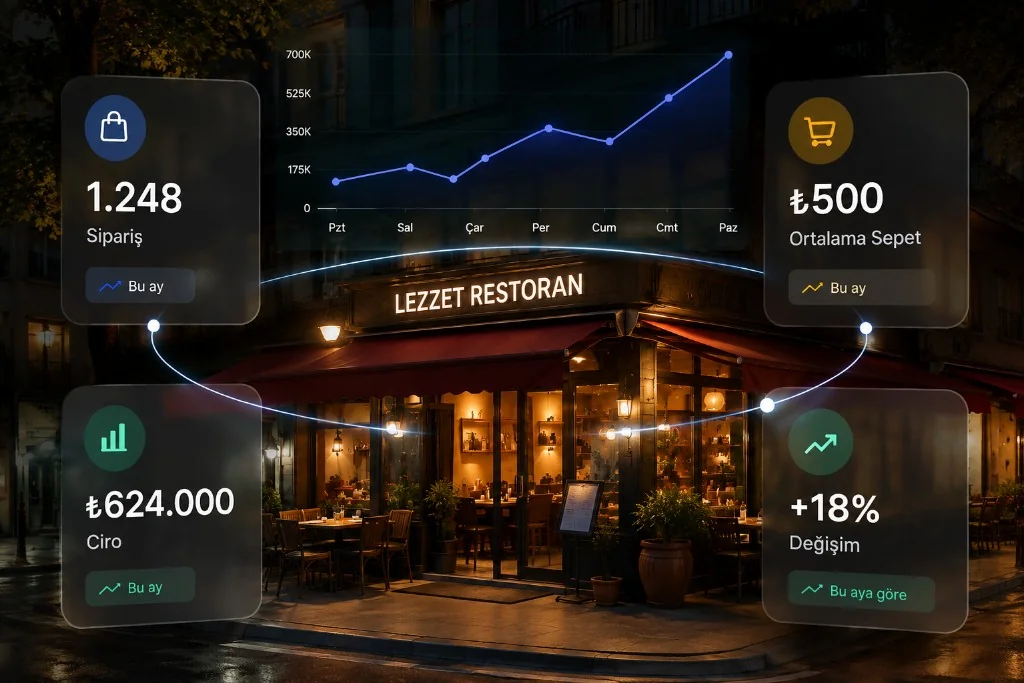
A restaurant check system can provide reporting tools to assess daily sales and order performance. Review end-of-day totals, revenue, best sellers, payment types and staff activity so you can manage operations with clearer insight.
Account Receivables with Restaurant Software
Depending on features, a restaurant check program helps track till activity across cash, card and other payment types. With account management you can record customer and supplier accounts and review payables and receivables for tighter control of payment and ledger movement.
Restaurant Stock and Inventory Tracking Software
Stock tracking software helps monitor product and ingredient levels. You can follow stock movements, review on-hand quantities and run regular inventory checks. Automation with stock features helps you spot shortages sooner and take steps to reduce loss.
Restaurant Check System Features
Cloud-Based Check System
Cloud-based restaurant software lets you manage orders and operations from supported devices. Setup and usage options depend on the chosen software.
Suitable for Different Business Types
Restaurant check programs can fit restaurants, cafés, bakeries, coffee shops, hotels and multi-branch businesses. Features are chosen based on service style and operational needs.
Online and Mobile Reporting
With online reporting you can review sales and business data over the internet. On mobile-friendly systems, phone or tablet access helps you track your venue remotely.
Offline Operation
Systems with offline support may keep certain tasks running when the internet drops. Which order, payment and record actions work offline depends on technical features.
Restaurant Stock Tracking
Stock tracking helps monitor food, drink and other product levels. With ingredient tracking you can control material movement and simplify purchasing and stock planning.
Account Management
Programs with an accounts module help manage customer, supplier and other account records. Tracking movements, payables and receivables keeps financial records more organized.
Online Order Management
Online order management helps track internet orders. With supported platform integrations you may manage channels in one panel and monitor order status.
Device and System Integrations
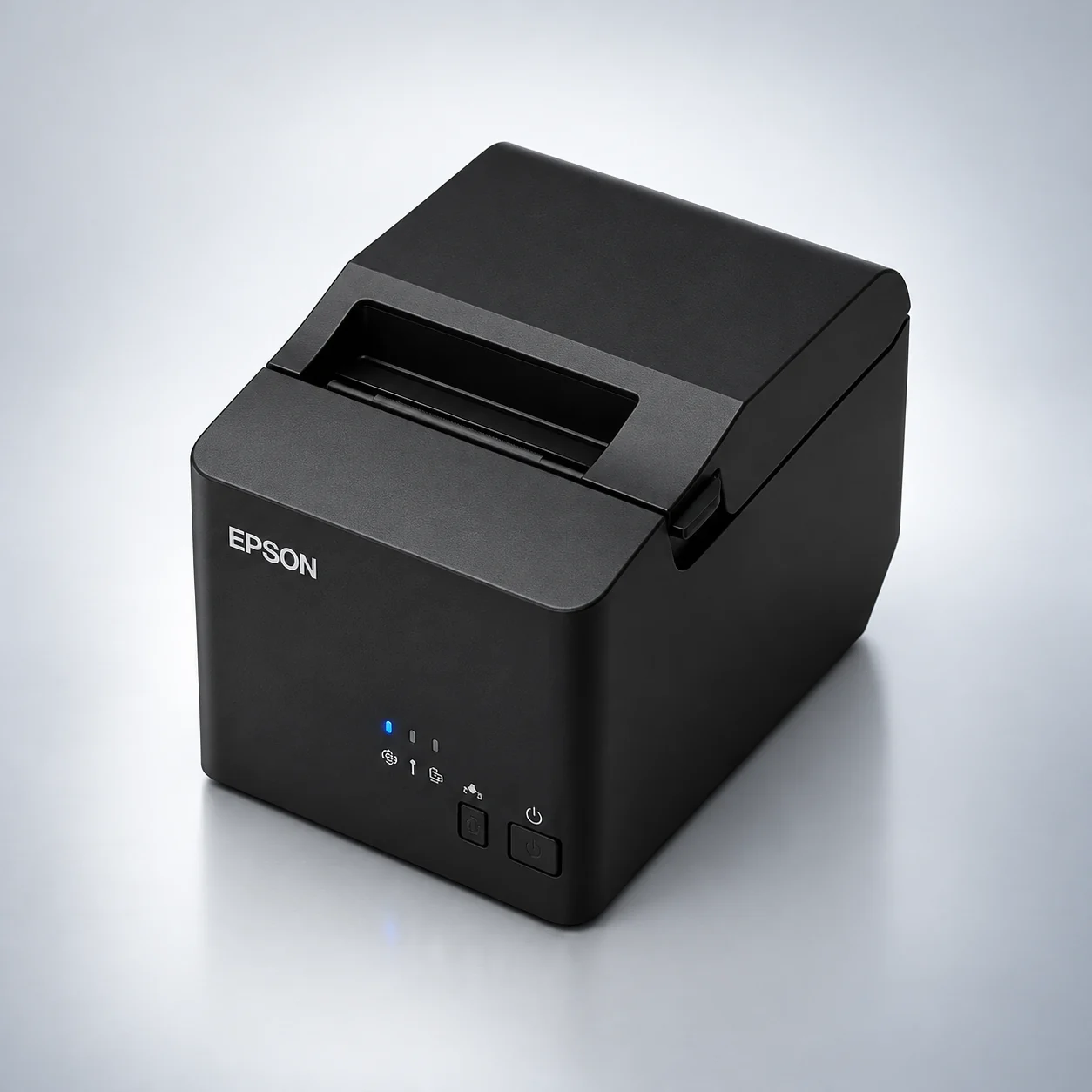
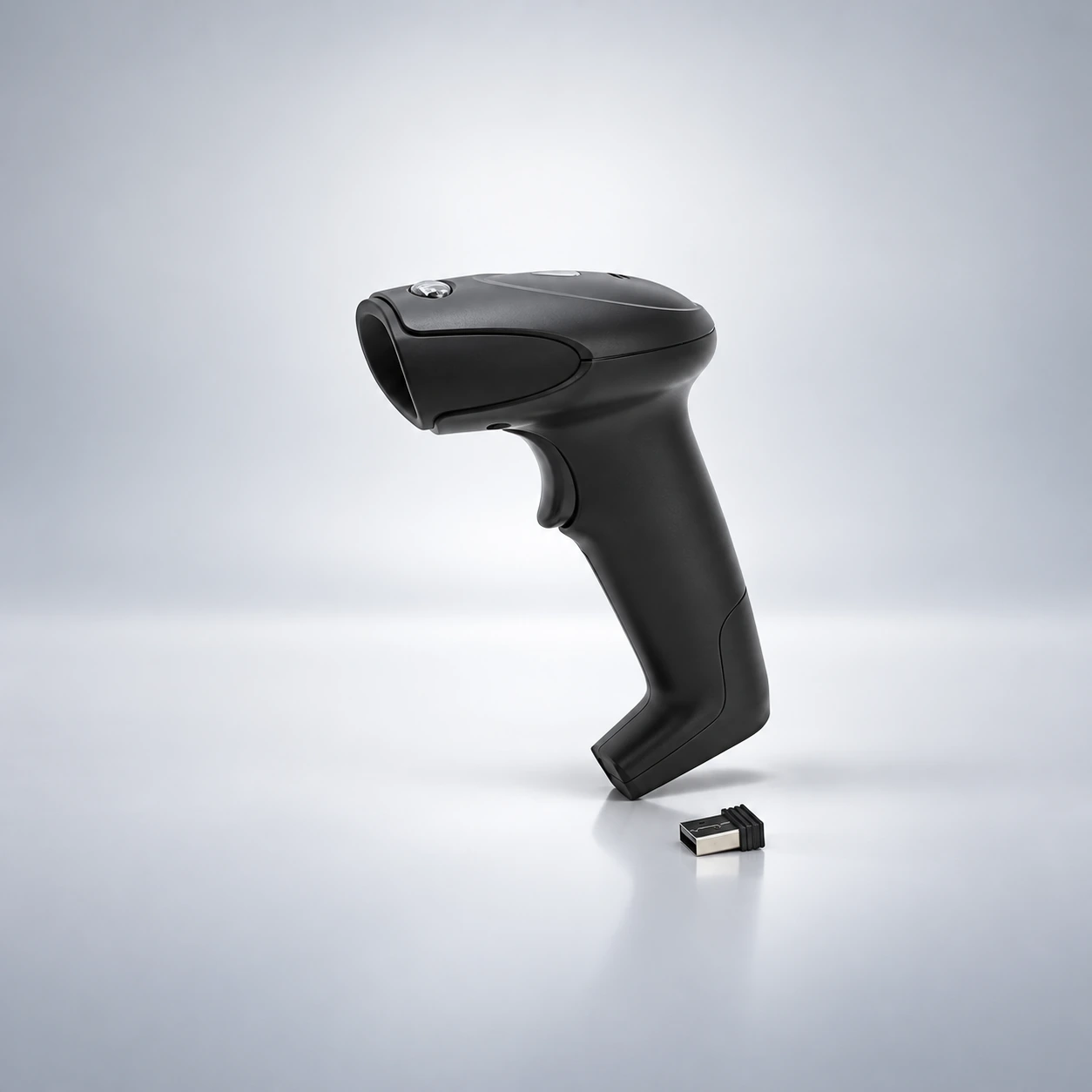
Restaurant automation can integrate with caller ID, barcode scanners, scales, receipt printers and fiscal POS devices. Compatibility depends on device models and supported integrations.
POS Devices and Accessories
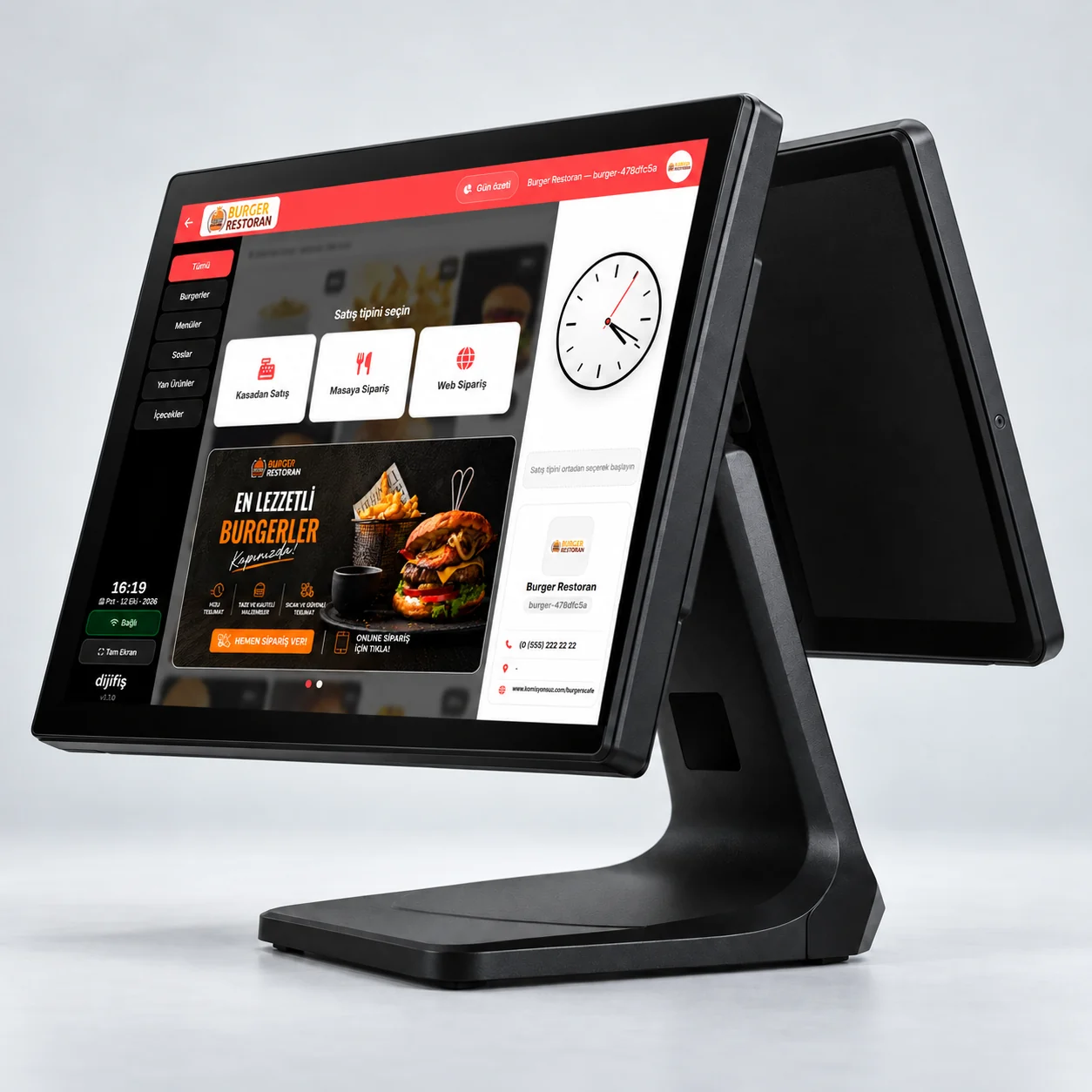
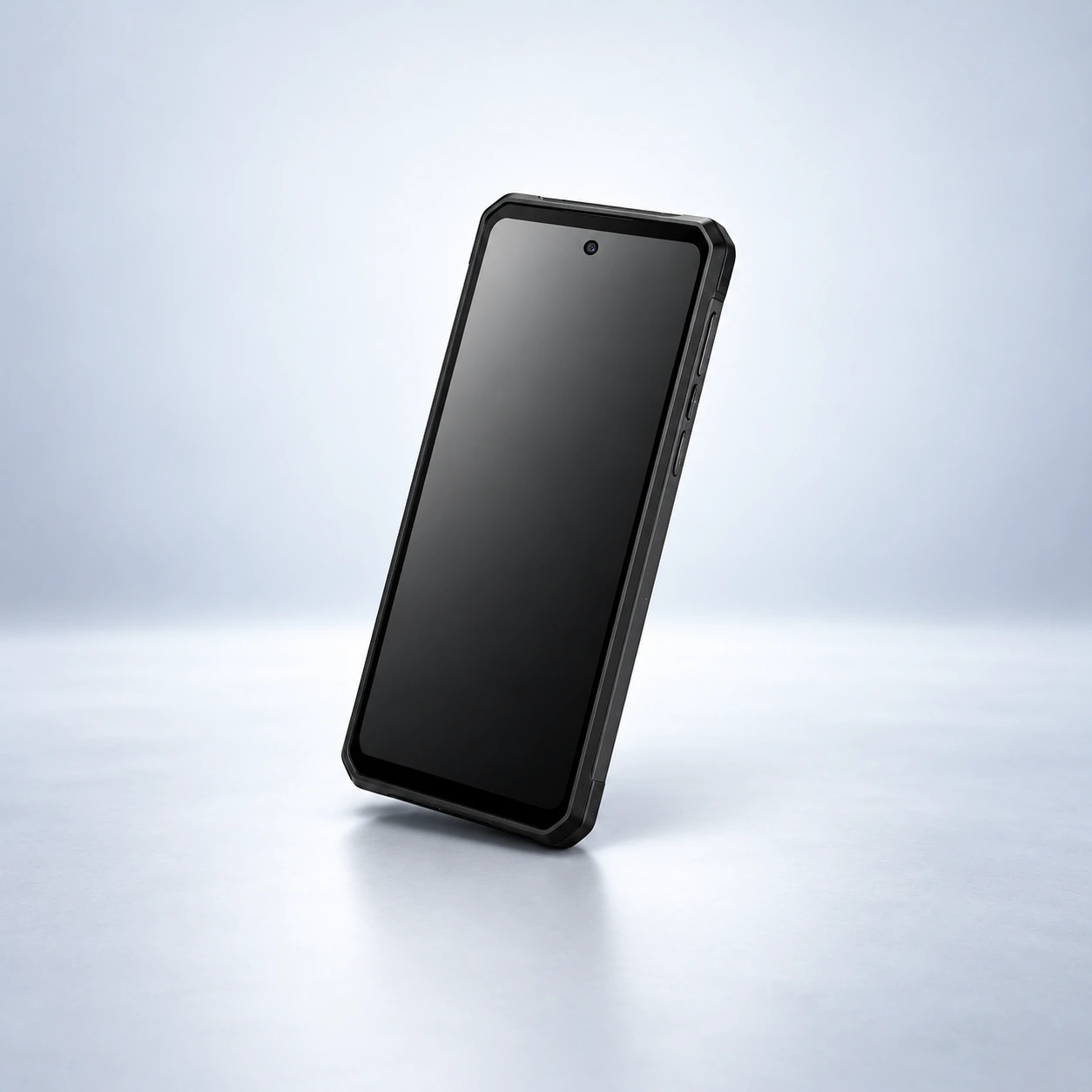
Explore POS devices and accessories that complete your restaurant check program. Review touchscreens, thermal printers, cash drawers, handheld terminals and other hardware that fits how your venue works.





Frequently Asked Questions
A check program is software that helps restaurants and similar venues track orders, table bills and payments. Depending on features, it may also cover till management, online ordering and reporting.
It helps take orders faster, keep table and bill handling organized and send orders to the kitchen more easily. Extra features can also support till, online order and reporting workflows.
When choosing a program that fits your needs, assess ease of use, table and till management, payment setup, kitchen connection, online order integrations, reporting and total cost.
Pricing can vary by modules, users and branches, devices and integration needs. To get a current price, your business needs and required hardware should be defined first.
Setup time depends on the chosen software, devices, menu setup and integrations. Technical support and setup scope also depend on the provider’s package. These details should be clarified before purchase.
It can send taken orders to a kitchen display or suitable printer so kitchen staff can follow order contents more easily and manage prep in order sequence.
Fiscal POS integration works by linking supported check software with a compatible fiscal POS device. Depending on scope, sale totals and payment data can be shared with the device. Compatible devices and supported operations should be checked in advance.
Automation programs with multi-branch features can let you track certain data and operations from a central panel. Branch reporting, menu management and user permissions depend on the system used.
Systems with a stock module track product and ingredient quantities. Stock in/out, inventory checks and low-stock tracking may vary by software.
Mobile compatibility depends on the program’s technical design. With mobile browser or app support, supported order, management or reporting tasks can be done on phone or tablet.