
For Restaurants, Cafes and Chain Businesses
Counter Order System
Take guest orders at the counter, set products and options, and send them to the kitchen. Manage tickets, payments and order tracking in one system.


Make Ordering Easier.
Counter Ordering Software.
Create your guests’ orders on a touch till screen. Select products, set options and extras, then send the order to the kitchen for prep.
Ordering at the counter helps keep peak hours faster and order details more consistent.
What you can do at the counter:
- Pick products and categories quickly
- Add options, extras and order notes
- See the order total
- Route the order to the kitchen or prep station
- Track payment and order status
Tickets, Payments and Order Management
Manage Orders, Tickets and Payments Together
A counter order system is not only for creating orders — it also helps track open tickets, order details and payment status in the same flow.
Use supported payment methods that fit how you operate, and review completed or cancelled orders in your records.
- Create tickets and track open tickets
- View order details and history
- Use supported methods such as cash and card
- Manage discounts, comps and cancellations
- Track payment and close status
Sending Orders to the Kitchen
A Clear Flow from Counter to Kitchen
Getting the order to the kitchen accurately is a key part of service. Send orders via a supported kitchen display or printer.
Sending products, options and notes with the order helps reduce re-entry, verbal mistakes and prep confusion.
-
1
Products are selected and the order is created at the counter.
-
2
The order is sent to the kitchen or prep station.
-
3
The kitchen prepares from the order details.
-
4
Order status is tracked until the job is done.
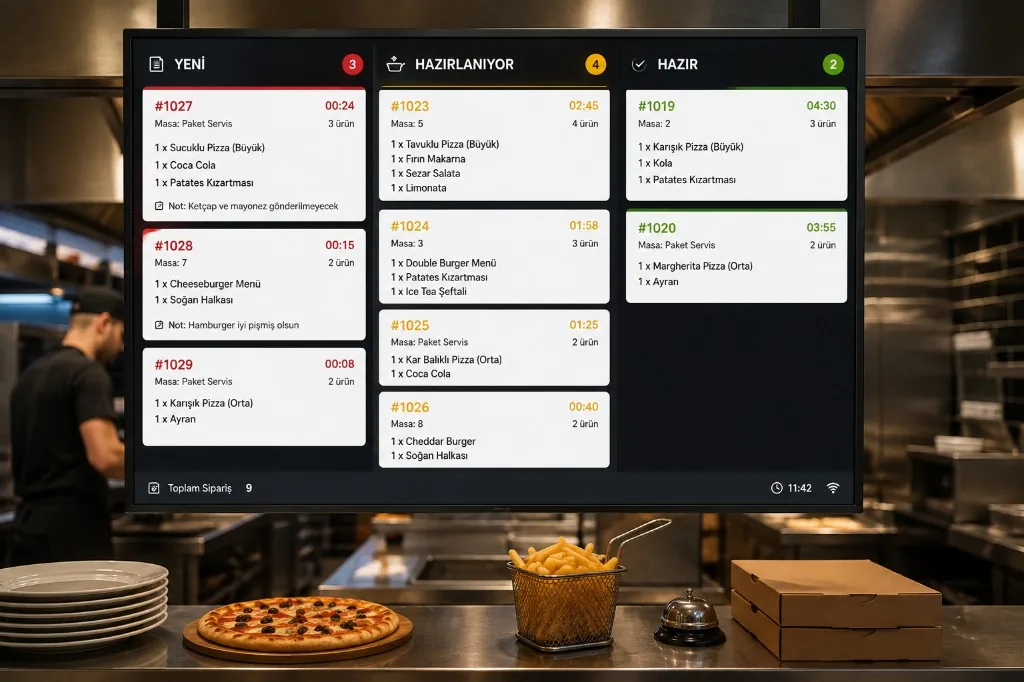

Manage Different Order Channels in One Operation
Handle Counter, Table and Online Orders Together
Orders may not only come from the counter. Guests can also order from the table, a QR menu or your online ordering page.
With supported links between your solutions, manage how multi-channel orders join counter, ticket and kitchen operations.
- Counter orders Take walk-in guest orders directly at the till.
- Table orders Track dining-room orders by table and ticket.
- QR ordering Let guests order from a QR code at the table.
- Online ordering Manage orders from your own ordering site.
- Delivery and collection Track delivery or collect-from-store orders.
Devices and POS Compatibility
Choose a Counter Screen and Hardware That Fit
Complete your counter order system with devices that match how you work. Take orders on a touch screen and evaluate printers and other hardware as needed.
If you want to keep your current POS or ticketing system, check integration options and the supported feature set first.

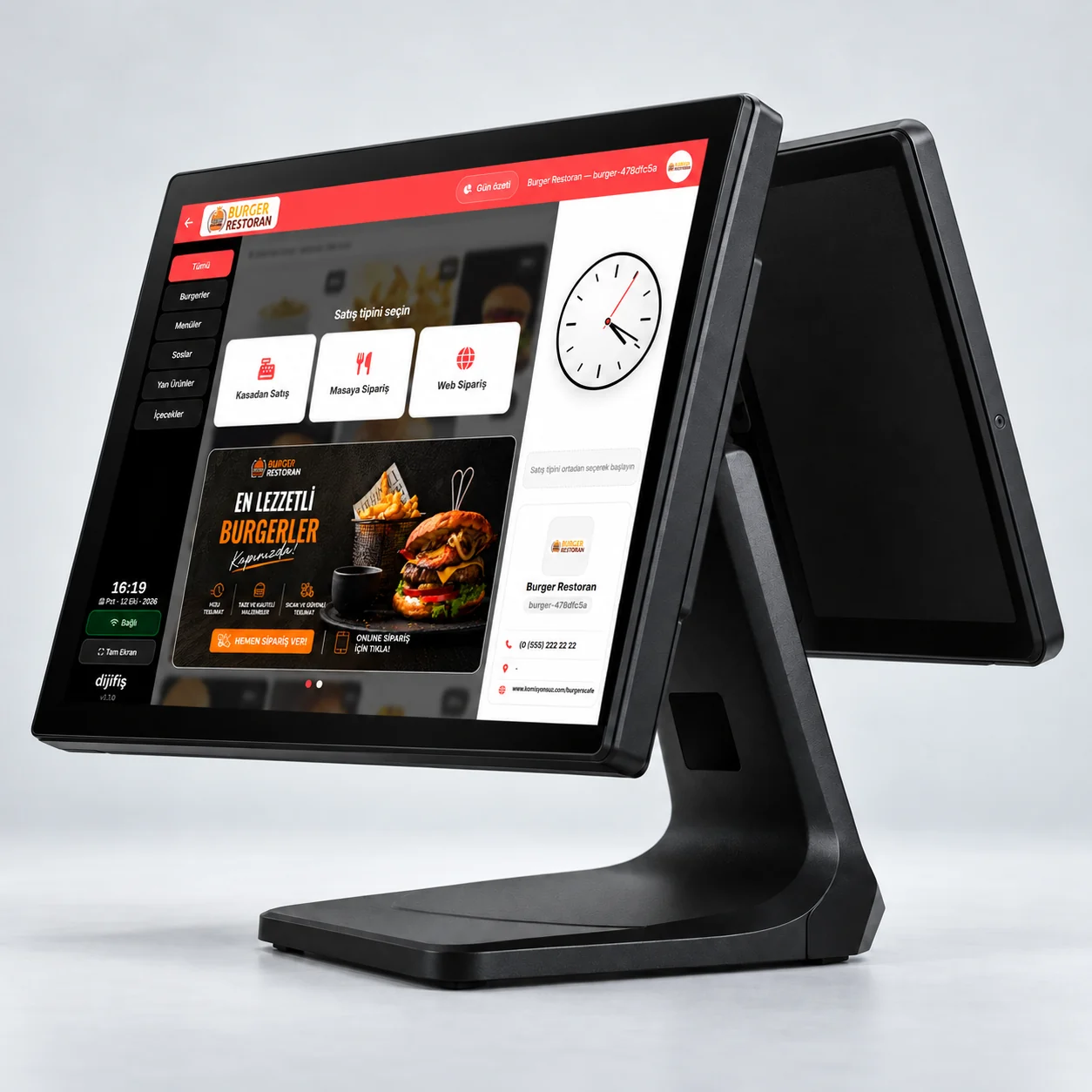
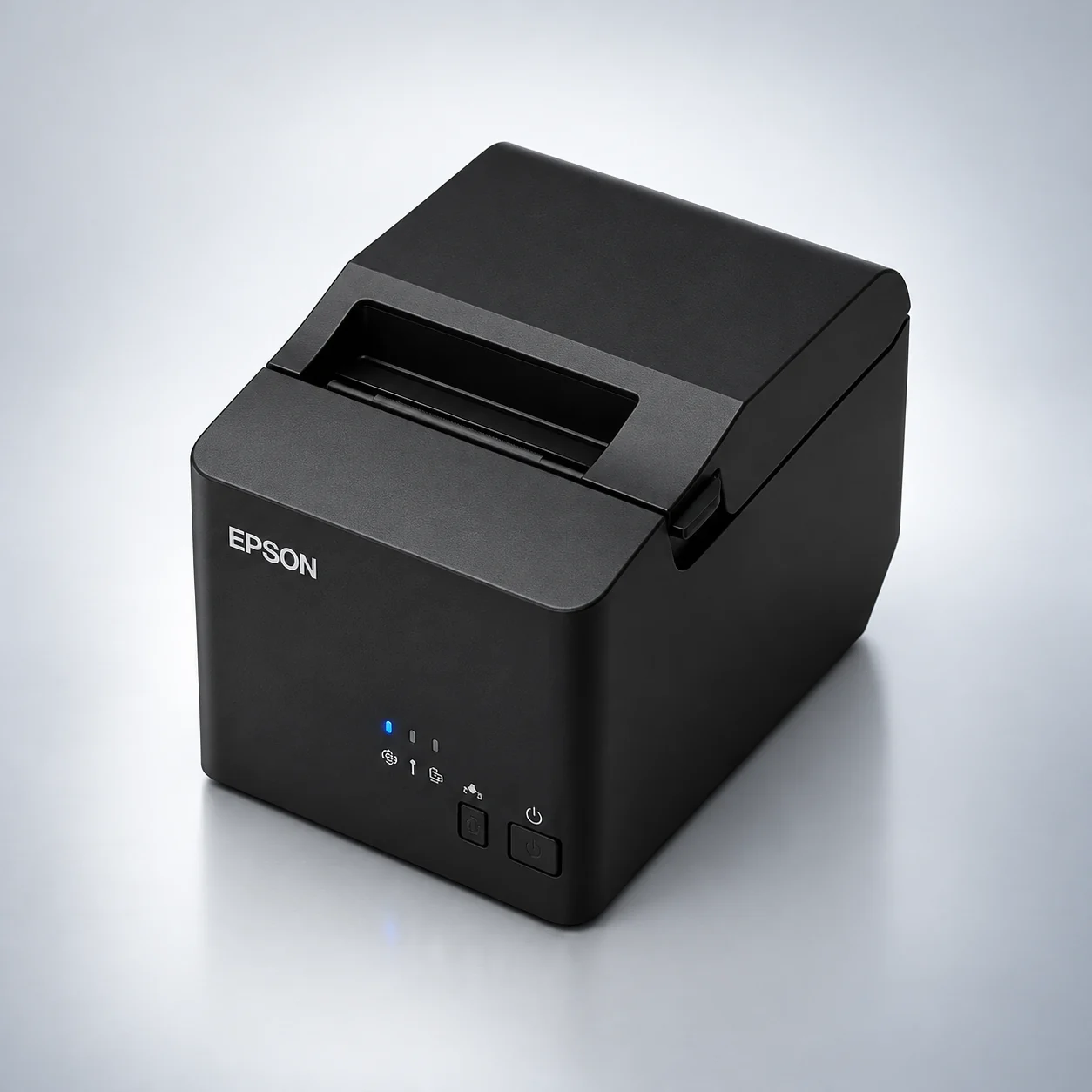

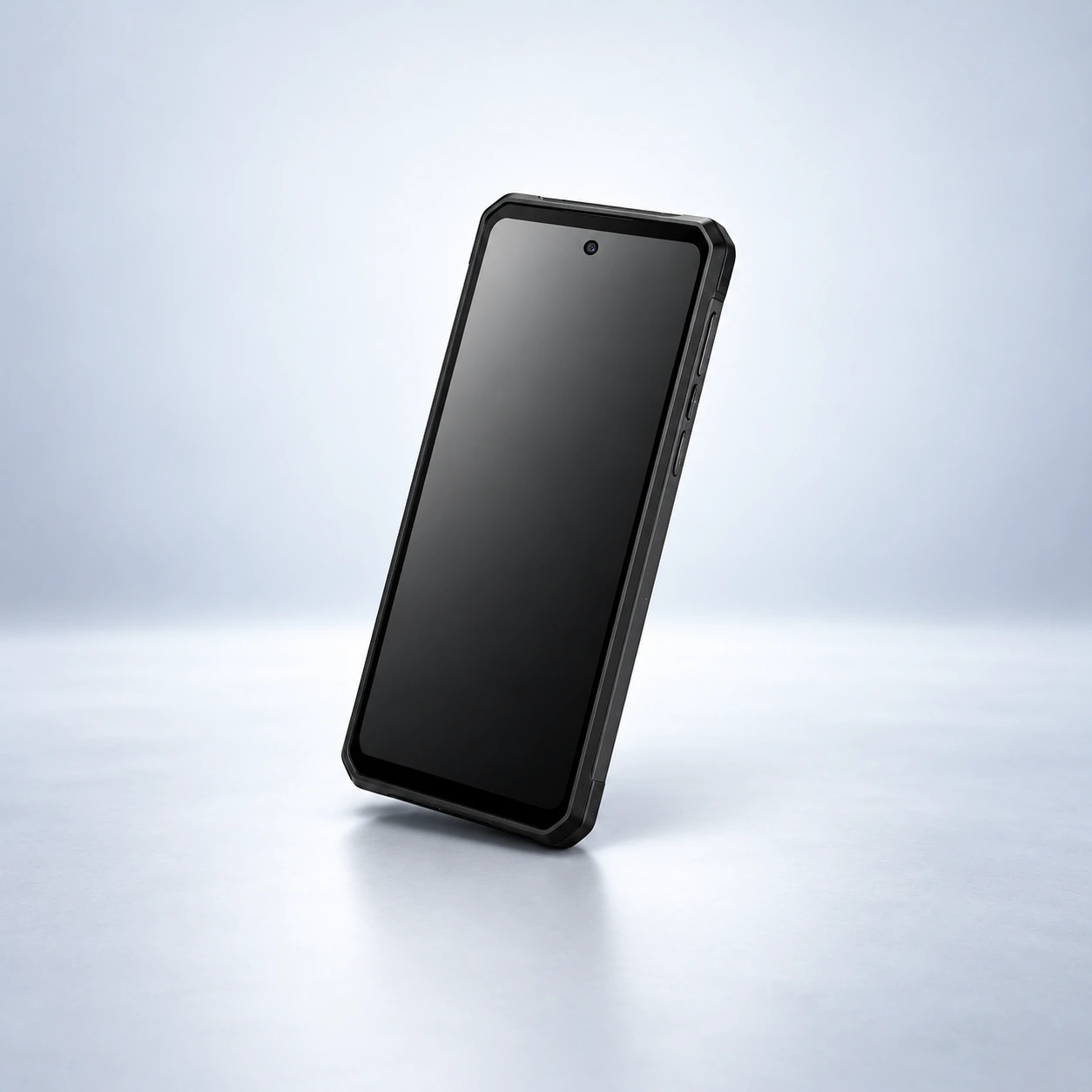
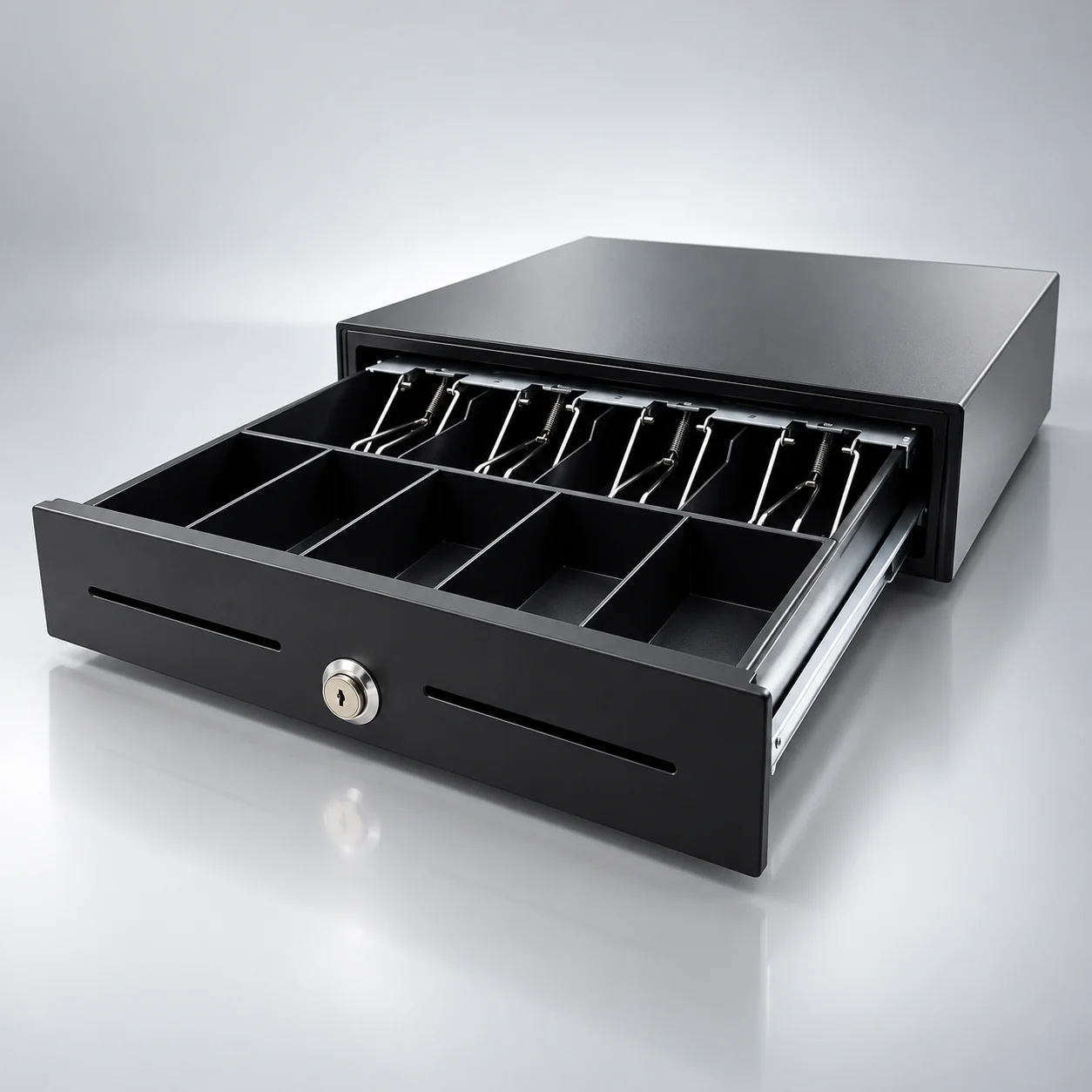
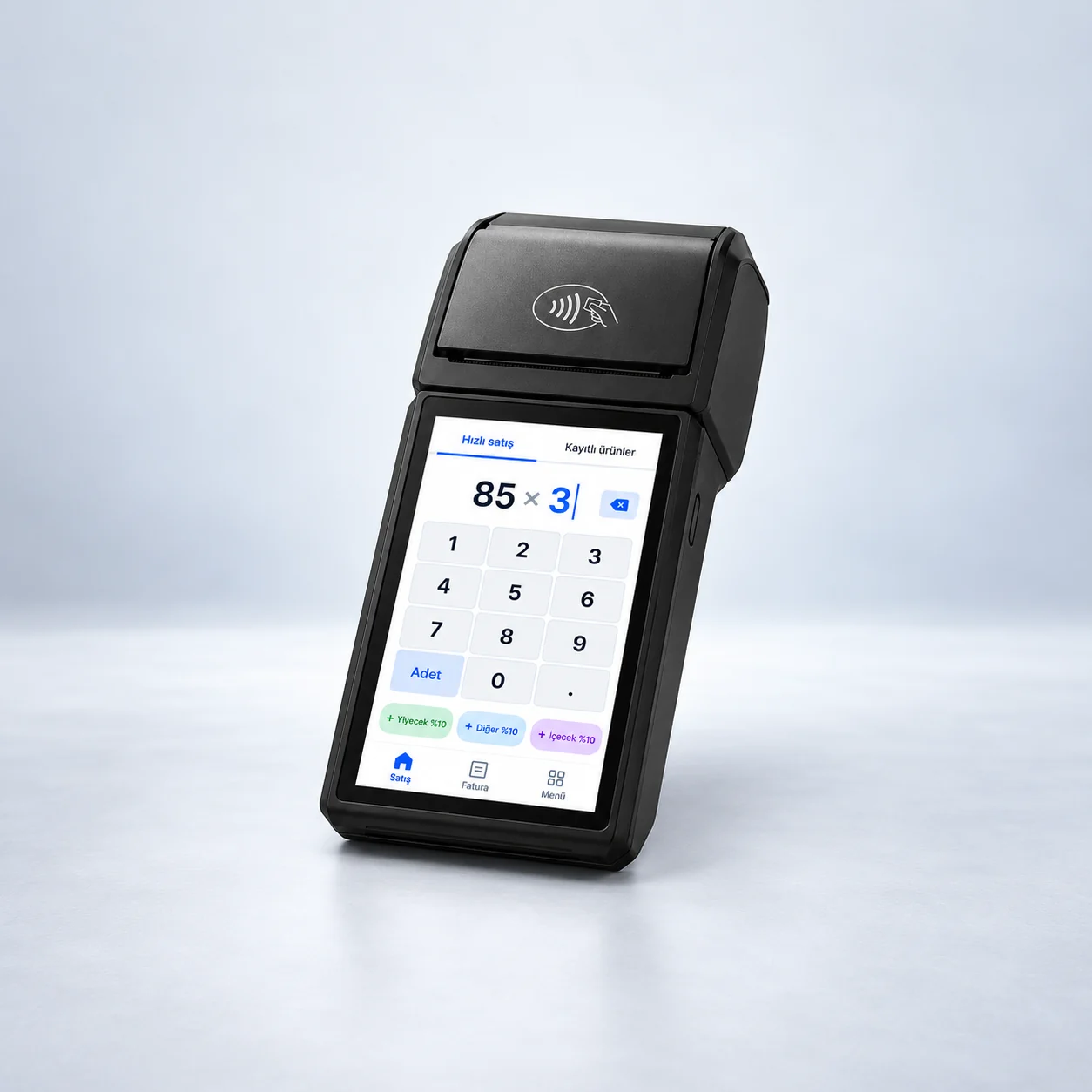
Can it work with your current POS?
If you need order transfer with your existing POS or ticketing software, supported features should be reviewed separately. Product mapping, options, payment data and order status can vary by integration.
Hardware and external integration fees are evaluated separately from the package. Compatibility is stated only for verified integrations and supported devices.
Frequently Asked Questions
A counter order system lets you create guest orders on a till screen, track them, and manage supported payment and kitchen routing steps.
No. A counter order system can cover creating and managing orders. POS usually refers to payment and sales systems. Working together depends on the solutions and integration support you use.
Orders can be sent to the prep team via a supported kitchen display or printer. The method depends on your hardware and configuration.
A touch screen can make product selection and order creation easier. Suitable devices depend on system requirements and your business needs.
That depends on the link between your online ordering system and counter or ticketing setup. Supported integrations can enable the flow.
Integration with some POS and ticketing systems may be possible. Order transfer, product mapping and other features should be checked for the software you use.
Package contents, devices and external integrations should be evaluated separately. See the pricing page for current pricing and what is included.