
FoodEmp partner
Shared table ordering system
Everyone at the same table orders from their own phone; sessions merge with a table code and orders land in the kitchen as a single check. No waiting for a waiter — everyone adds whenever they want.
Short answer
A shared table ordering system is an in-dining collaborative ordering solution that lets everyone at the same table add orders to the same check from their own phone via a table code.
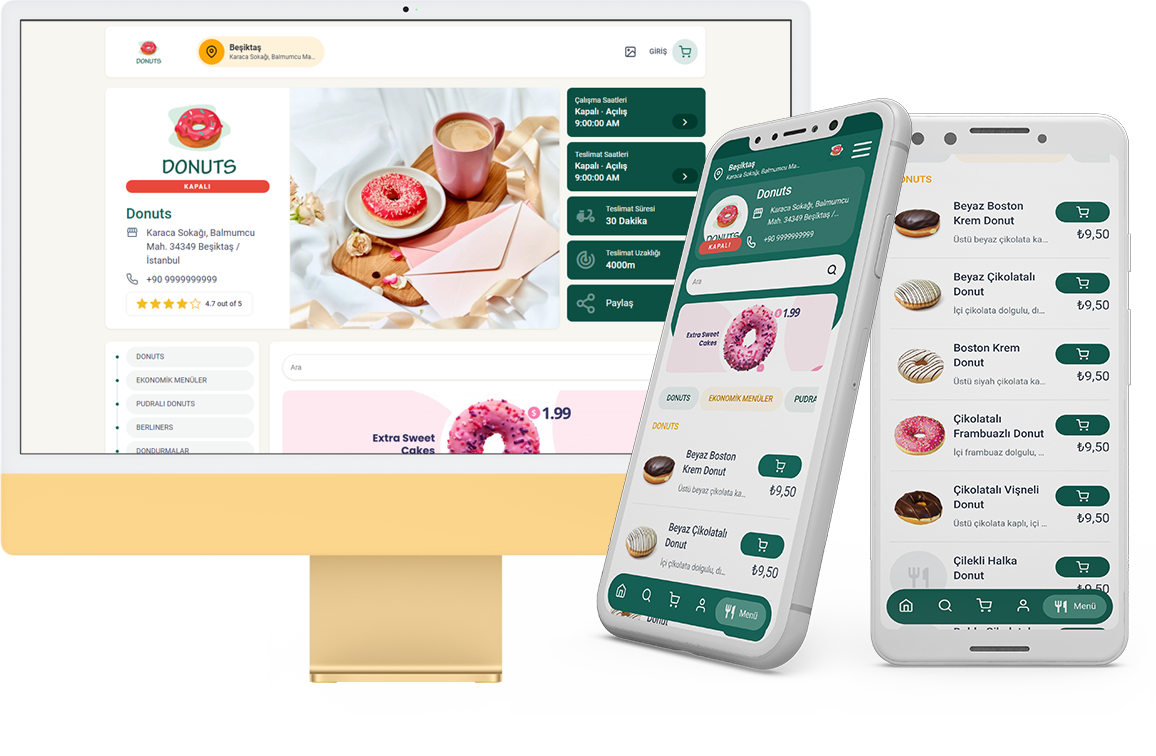
What is a shared table ordering system?
A shared table ordering system lets multiple people sitting at the same table add orders to the same table check from their own phones. The focus of this page is collaborative ordering (not bill splitting; for that see the split the table bill page).
In the classic flow one person collects everyone's order and relays it to the waiter; at a crowded table this is both slow and error-prone. Here everyone scans the table QR, joins the same session and adds their own item whenever they like.
- Joining a shared session via table code / QR
- People add separately; orders merge into one table check
- A merged view in the kitchen and optional waiter approval
How does it work at the table?
Everyone at the table scans the QR and connects to the same table code. Everyone adds what they picked, and the orders gather into one check and go to the kitchen.
- Place a fixed table-coded QR on each table.
- Let customers scan the QR and join the shared session.
- Let everyone add their own item; the check merges live.
- After optional waiter approval, the order lands in the kitchen.
People who join later are added to the same session too; the "who ordered what" confusion and the need to call the waiter over and over decrease.
Advantages specific to a crowded table
- Everyone can order simultaneously without waiting for a waiter
- A table order that merges into one check without mix-ups
- Less order-taking load on staff during peak hours
- Ease of adding extra requests (one more cola) without waiting
Because it works on your own channel there is no intermediary commission; for in-dining ordering this protects the margin with a fixed-cost model.
Who is it for?
- Restaurants and cafés dominated by crowded tables
- Wide areas like gardens/terraces where the waiter arrives late
- Venues with high group and celebration traffic
- Businesses that want to build an in-dining self-service flow
Related topics and resources
- split the table bill
- secure QR ordering system
- contactless ordering system
- online ordering system pricing
- online ordering without an app
For details and a demo contact us or review free setup steps.
Frequently asked questions
How do different people at the same table add to the same check?
Everyone scans the table QR and joins the same table-coded session; even though people add products separately, the orders merge into one table check.
Can someone who arrives later join the table?
Yes; a person who sits down later scans the QR, joins the same session and adds their own order. The check updates live.
Does the shared table ordering system require a mobile app?
No — customers order from a mobile browser. See ordering without downloading an app.
Get started
Contact us about an online ordering solution for your business and start taking orders on your own channel with FoodEmp.